
Track mileage for your vehicle deduction
Add a vehicle, log your business and personal trips, and NextiaTax works out the business-use percentage for your vehicle deduction.
- 9 steps
- About 2 min
- Checked against NextiaTax on October 21, 2026
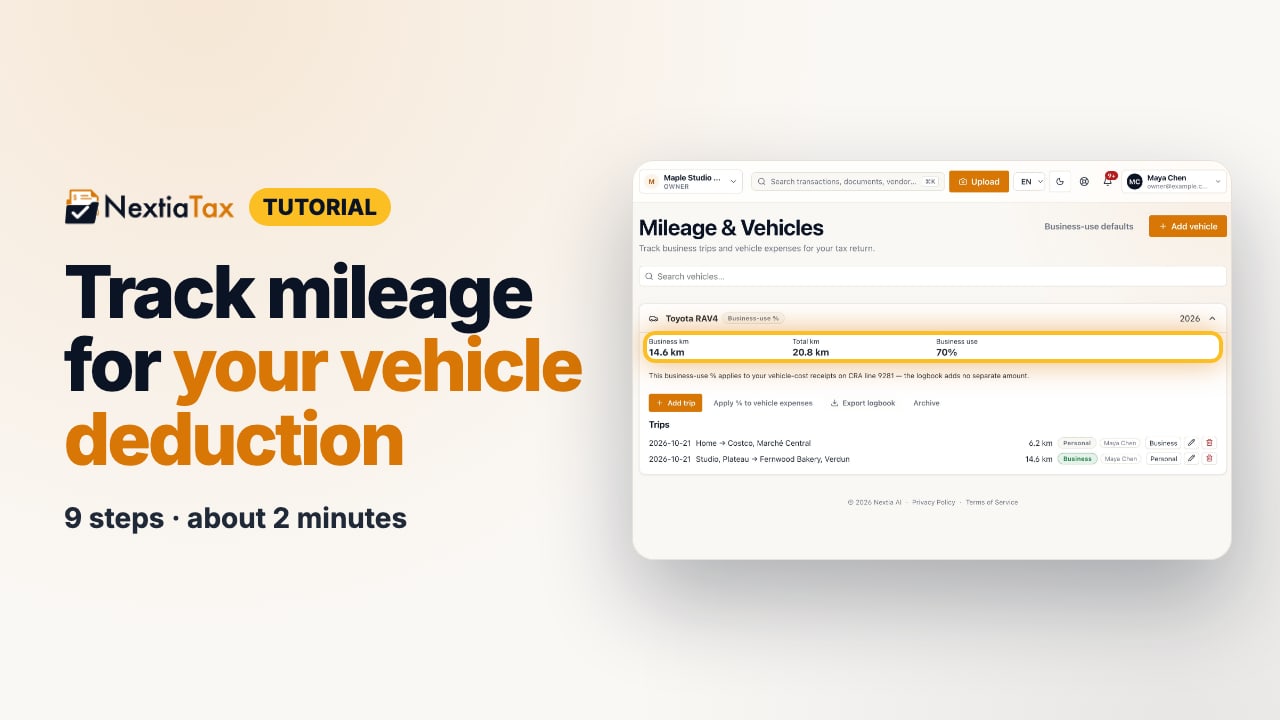
The video is on its way. The step-by-step and written versions are ready now.
- 1
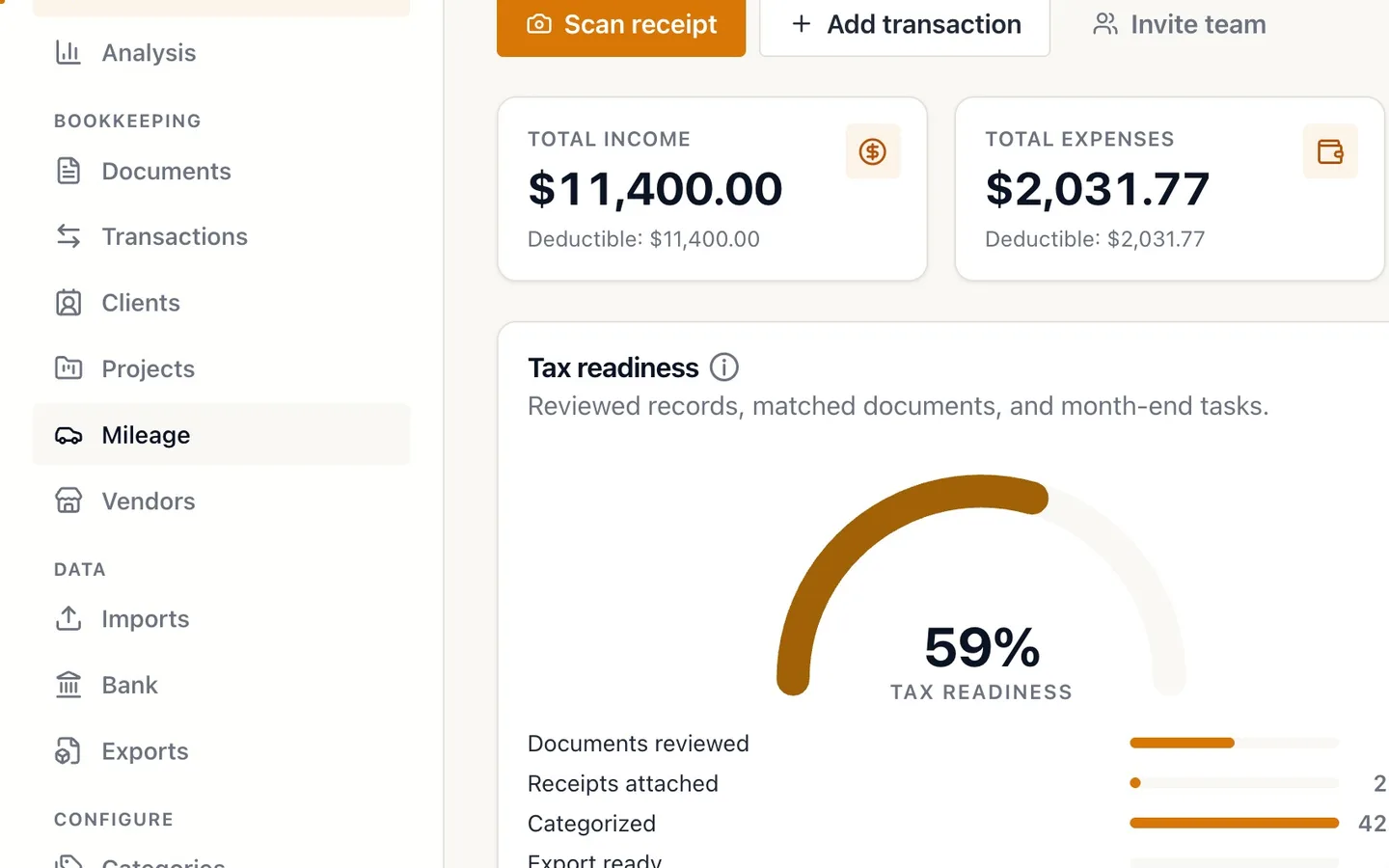
Select Mileage in the sidebar.
- 2
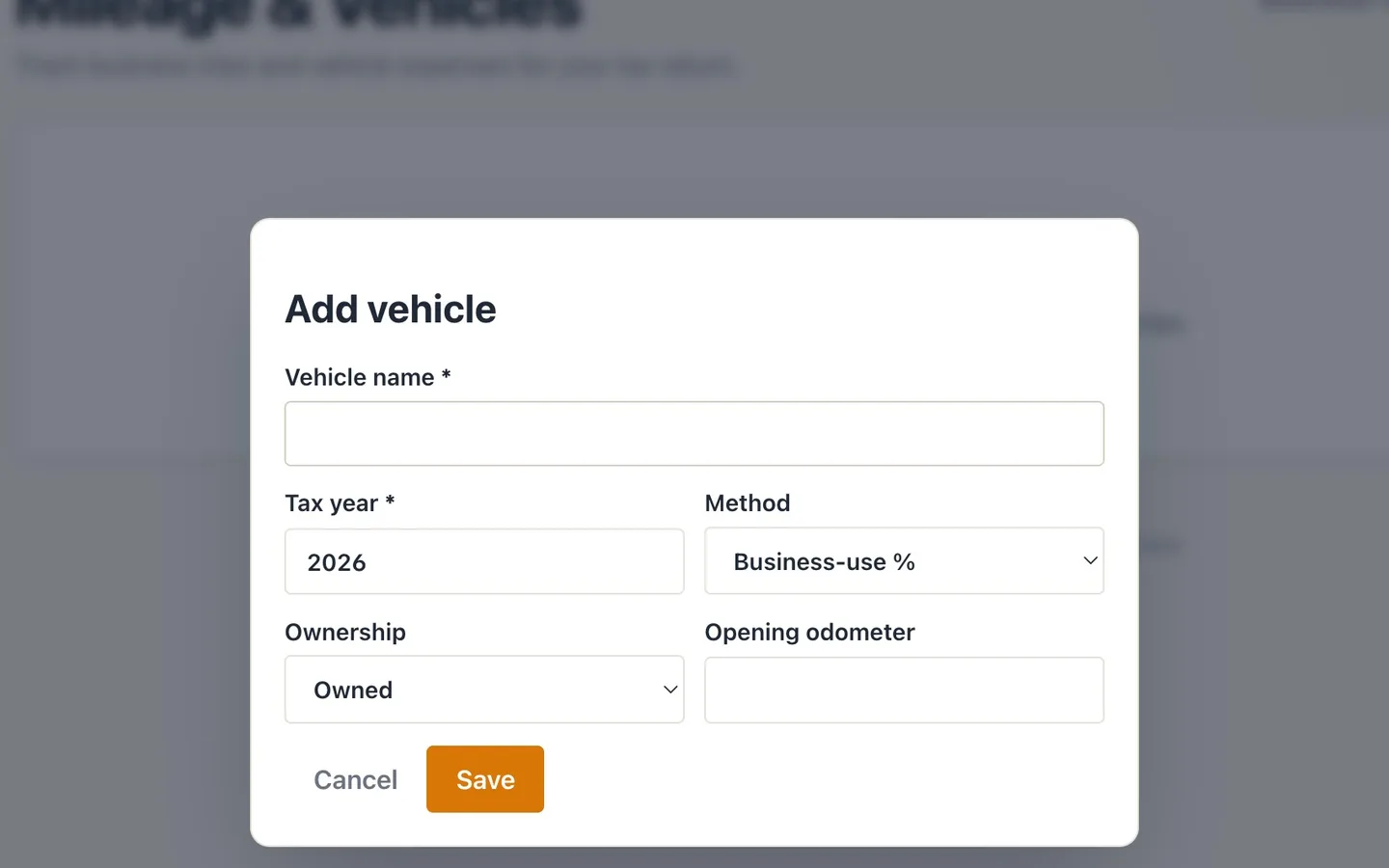
Select Add vehicle and name it.
Each vehicle keeps its own logbook.
- 3
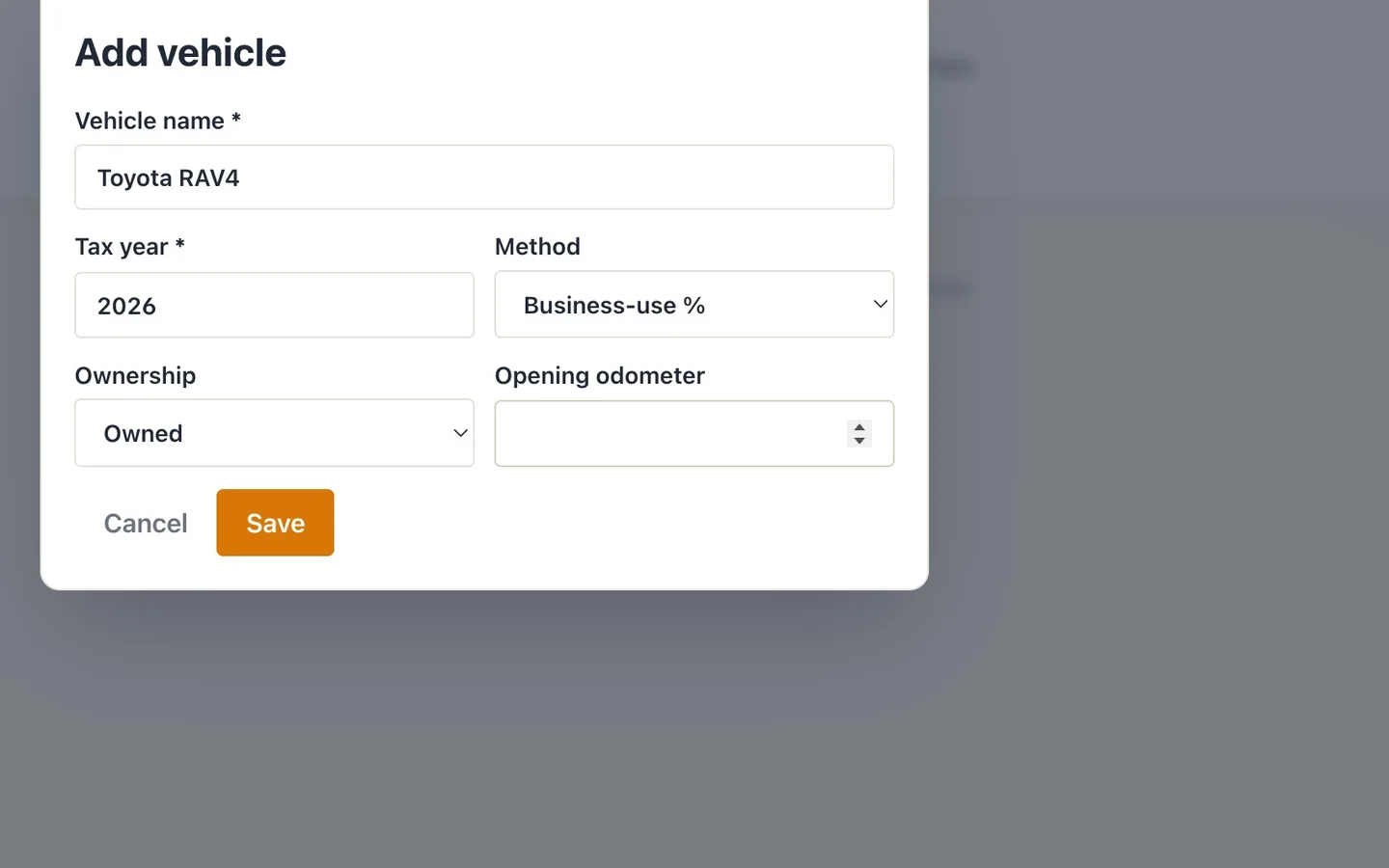
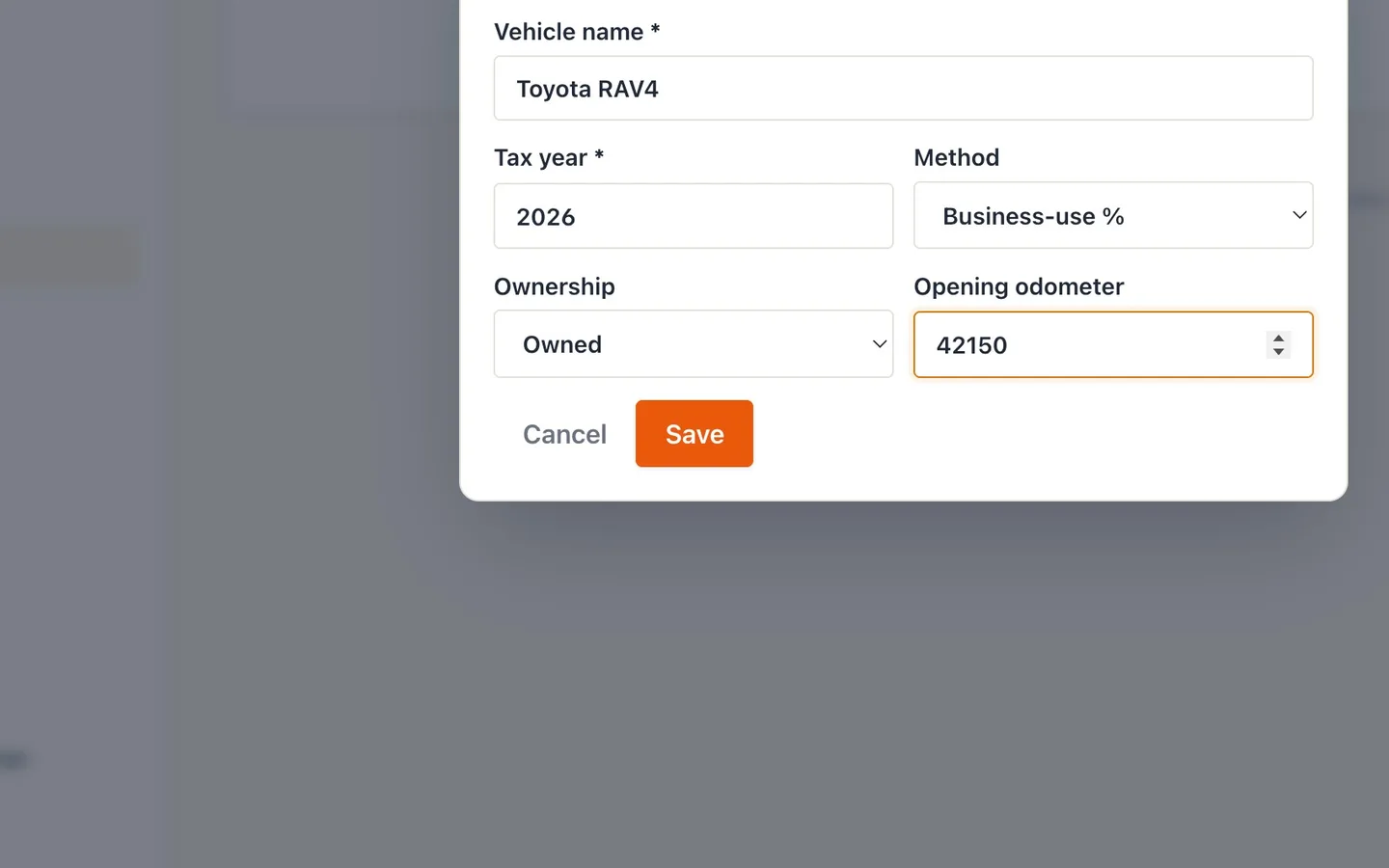
Choose the Method, then add the Opening odometer.
Business-use % if you're self-employed; Per-kilometre for allowance or reimbursement situations.
- 4
Select Save.
- 5
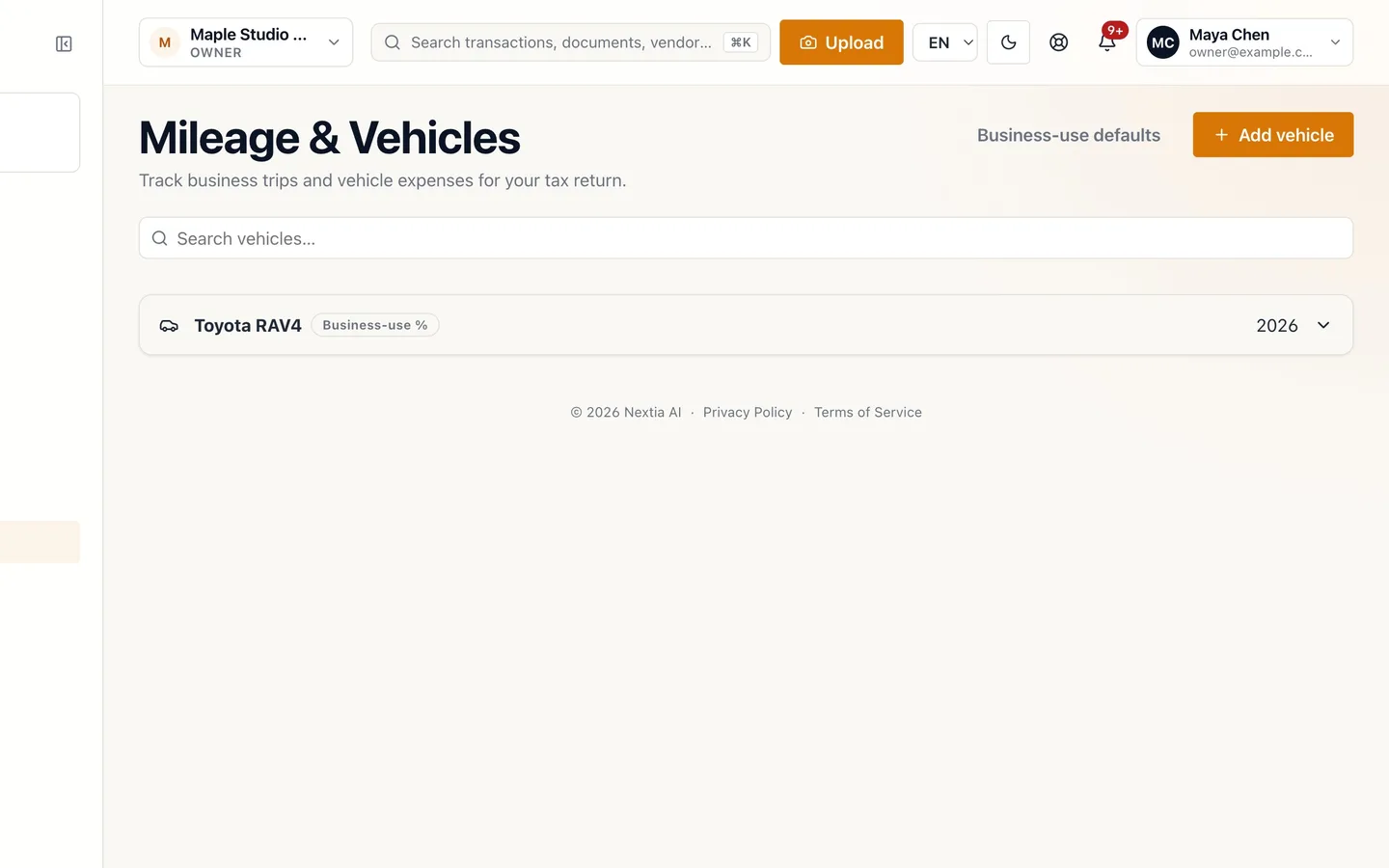
Open the vehicle to see its logbook.
- 6
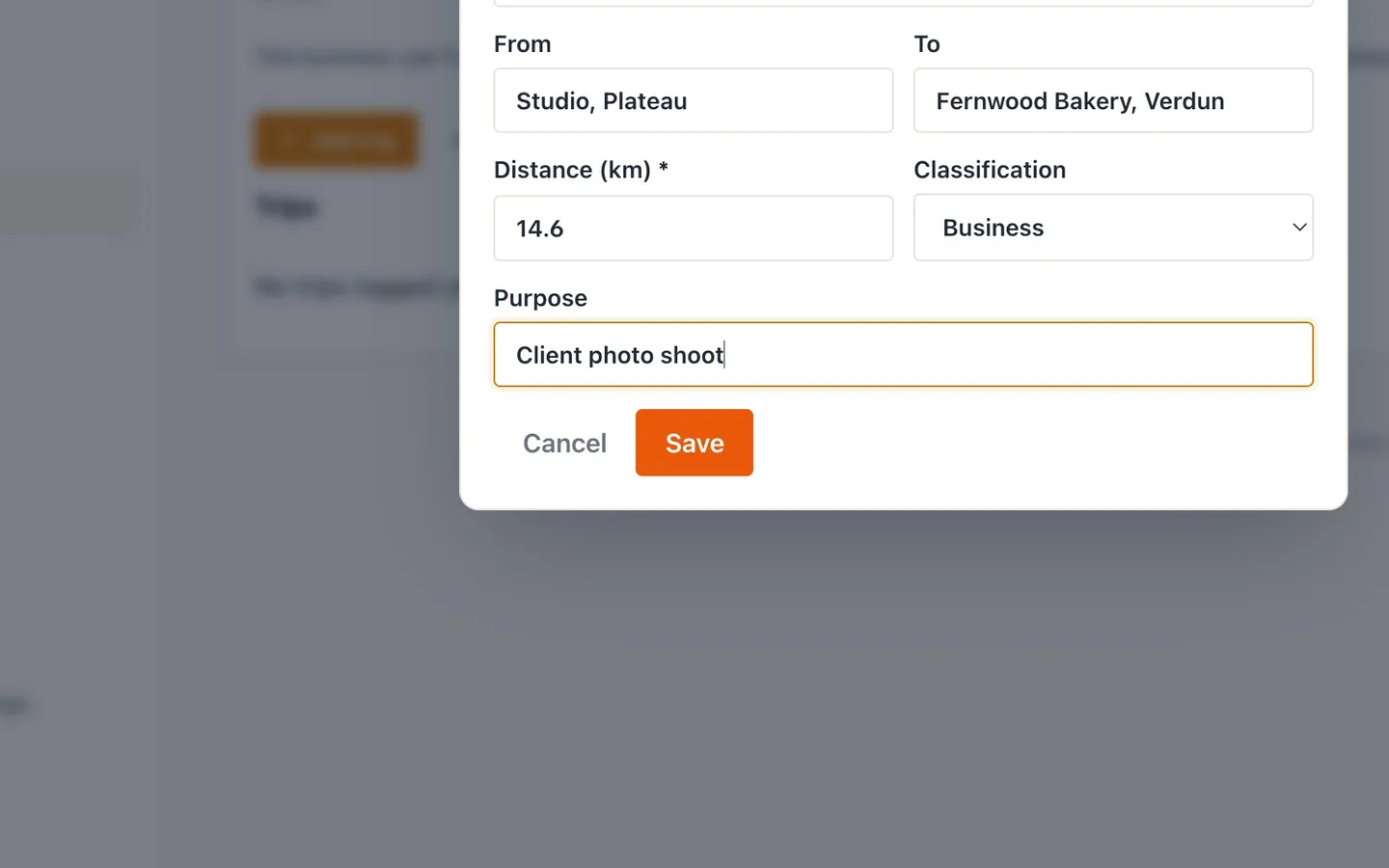
Select Add trip and fill it in.
From, to, distance in kilometres, Business or Personal, and a purpose.
- 7
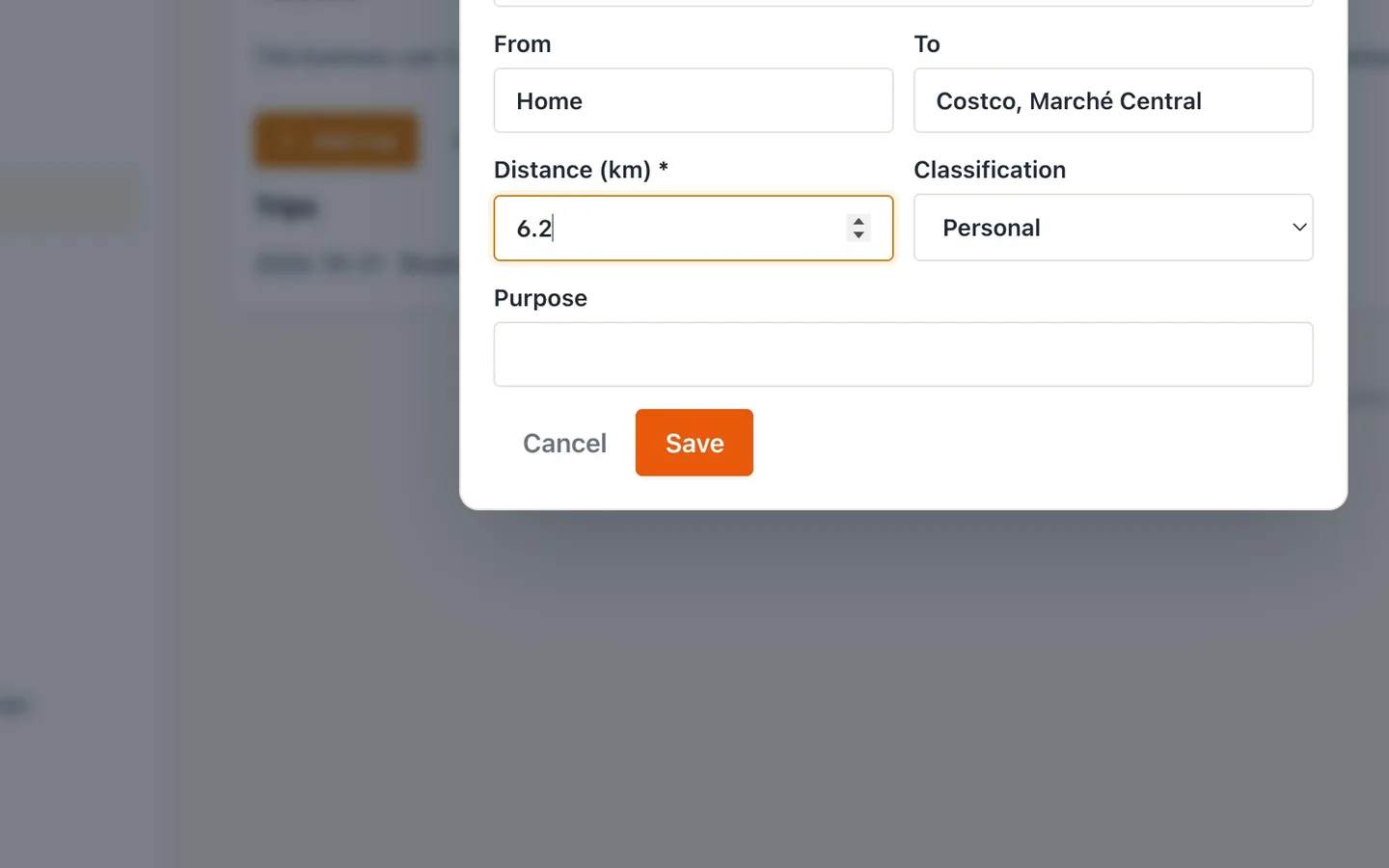
Log personal trips too.
The business share is worked out from all your driving.
- 8
Check your Business use.
Business kilometres over total kilometres. It applies to your vehicle-cost receipts.
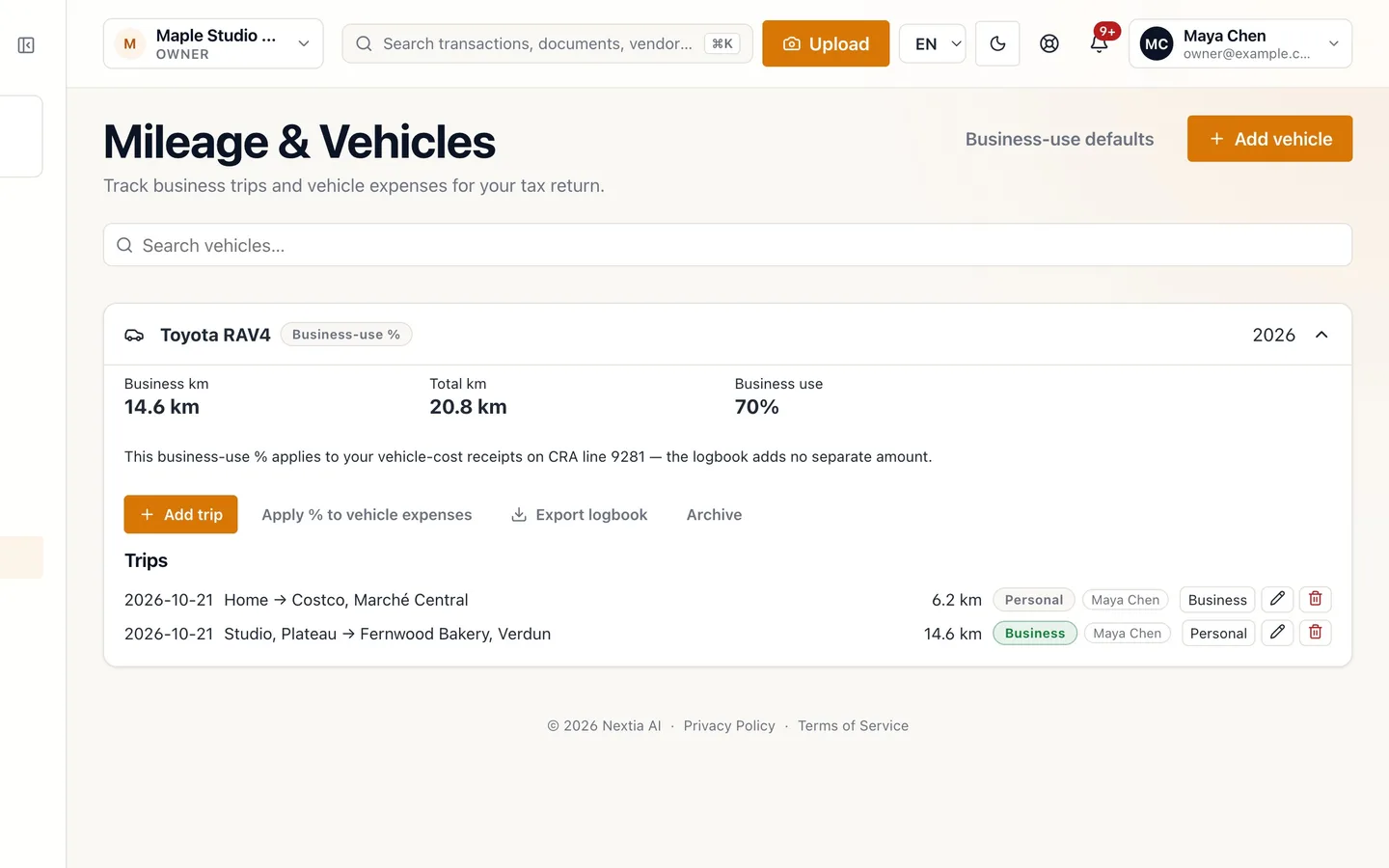
- 9
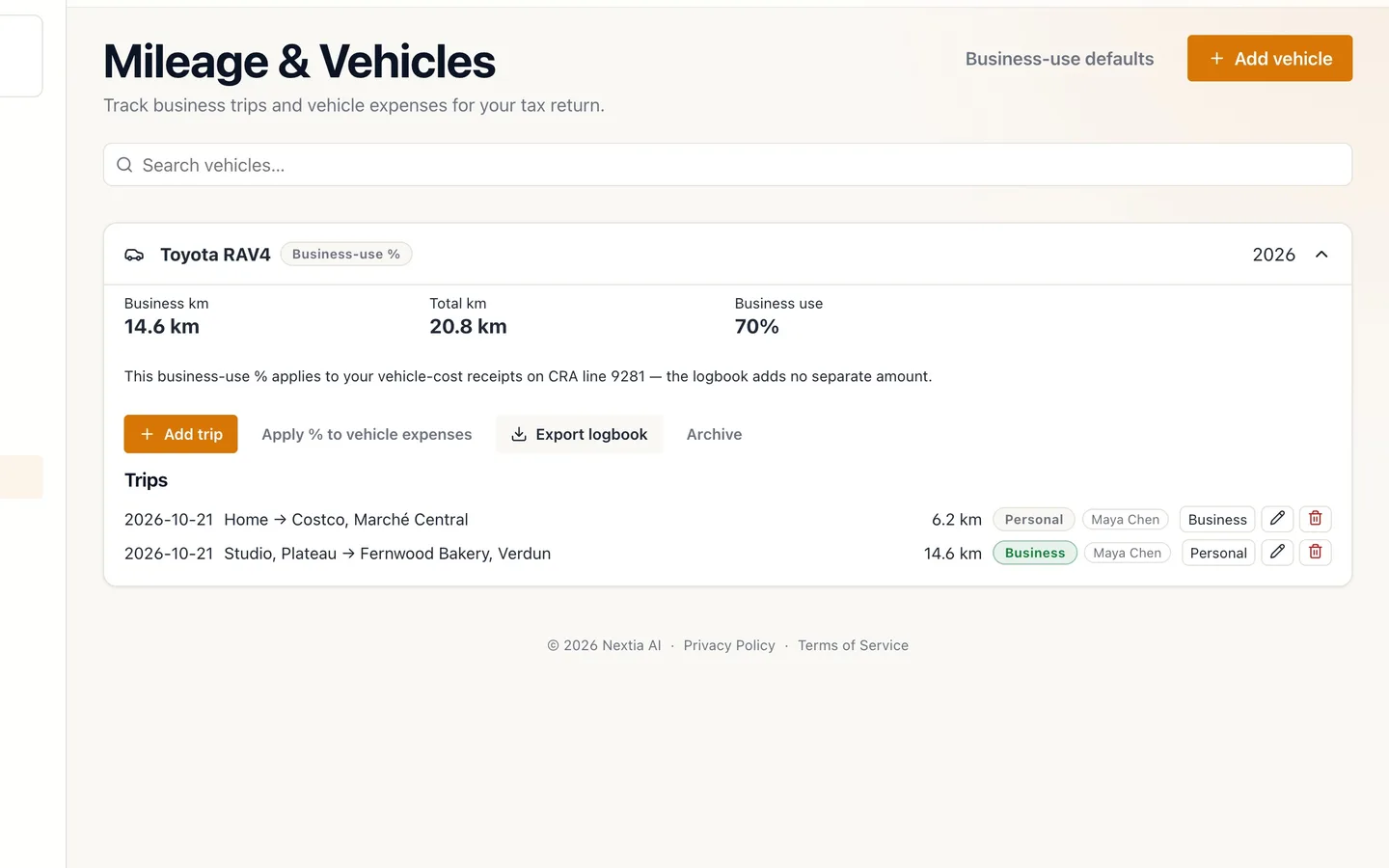
Select Apply % to vehicle expenses.
Gas, insurance and repairs then show their deductible part. Export logbook saves a copy.
Track mileage for your vehicle deduction
Before you start
- Mileage follows Canadian (CRA) rules.
- Have the vehicle's odometer reading handy.
Steps
- Select Mileage in the sidebar.
- Select Add vehicle and name it. Each vehicle keeps its own logbook.
- Choose the Method, then add the Opening odometer. Business-use % if you're self-employed; Per-kilometre for allowance or reimbursement situations.
- Select Save.
- Open the vehicle to see its logbook.
- Select Add trip and fill it in. From, to, distance in kilometres, Business or Personal, and a purpose.
- Log personal trips too. The business share is worked out from all your driving.
- Check your Business use. Business kilometres over total kilometres. It applies to your vehicle-cost receipts.
- Select Apply % to vehicle expenses. Gas, insurance and repairs then show their deductible part. Export logbook saves a copy.
Tips
- Log each business drive right after it: a quick entry beats rebuilding months of driving at tax time.
- Made a typo? Select the pencil next to the trip in the logbook to edit it.
If something goes wrong
- The business-use percentage looks too low. Check that business drives aren't marked Personal by mistake, and that every business drive is logged.
- Gas receipts still show their full amount. Select Apply % to vehicle expenses on the vehicle so each shows its deductible part.